YOUR IMAGE. A BETTER MESSAGE.
Change the price in a product image
Update prices, product names and offers in an existing product graphic. Edit a price region or use Pro for text printed on textured packaging.
Free editing & preview · Standard download 5 credits · Pro redraw + download 10 credits
Original product layout using an AI-generated product photo; actual Standard price replacement.
Start with your image.
Drop an image here to edit the words inside it.
JPG, PNG, WebP · up to 8 MBProduct prices & promotions
A sale price changes after a promotion has already been exported. Instead of rebuilding the whole graphic, select the old price and enter the new one. Reletter works with flattened product graphics, menu images and social promotion images.
Use Standard for prices placed on a plain panel. Use Pro when lettering sits on packaging, fabric, shadows or photographic texture.
- 01
Upload the promotion
Open the exported JPG, PNG or WebP. The sample below has separate regions for price, product name and offer.
- 02
Update the price
Click the price and type the new amount, including its currency symbol. Match the font size and alignment to the surrounding design.
- 03
Check the complete image
Review the currency, decimal places and any remaining old prices elsewhere in the image. Export the final PNG when it is ready.
Questions about this edit
Can I edit the product name and offer too?
Yes. Each detected or manually drawn region is separate. Select the product name, price or promotion and edit it without applying the same wording to other regions.
Which mode should I use for packaging?
Start with Pro for lettering printed across texture or lighting. Select the smallest useful region with surrounding background, enter the original and replacement wording, then inspect the result.
What does a price edit cost?
Standard editing and previews are free; a clean download is 5 credits per result. A Pro redraw costs 10 credits and includes clean result downloads. Credit packs are one-time purchases in USD.
What would you like to change?
Start with a task and try an editable example.
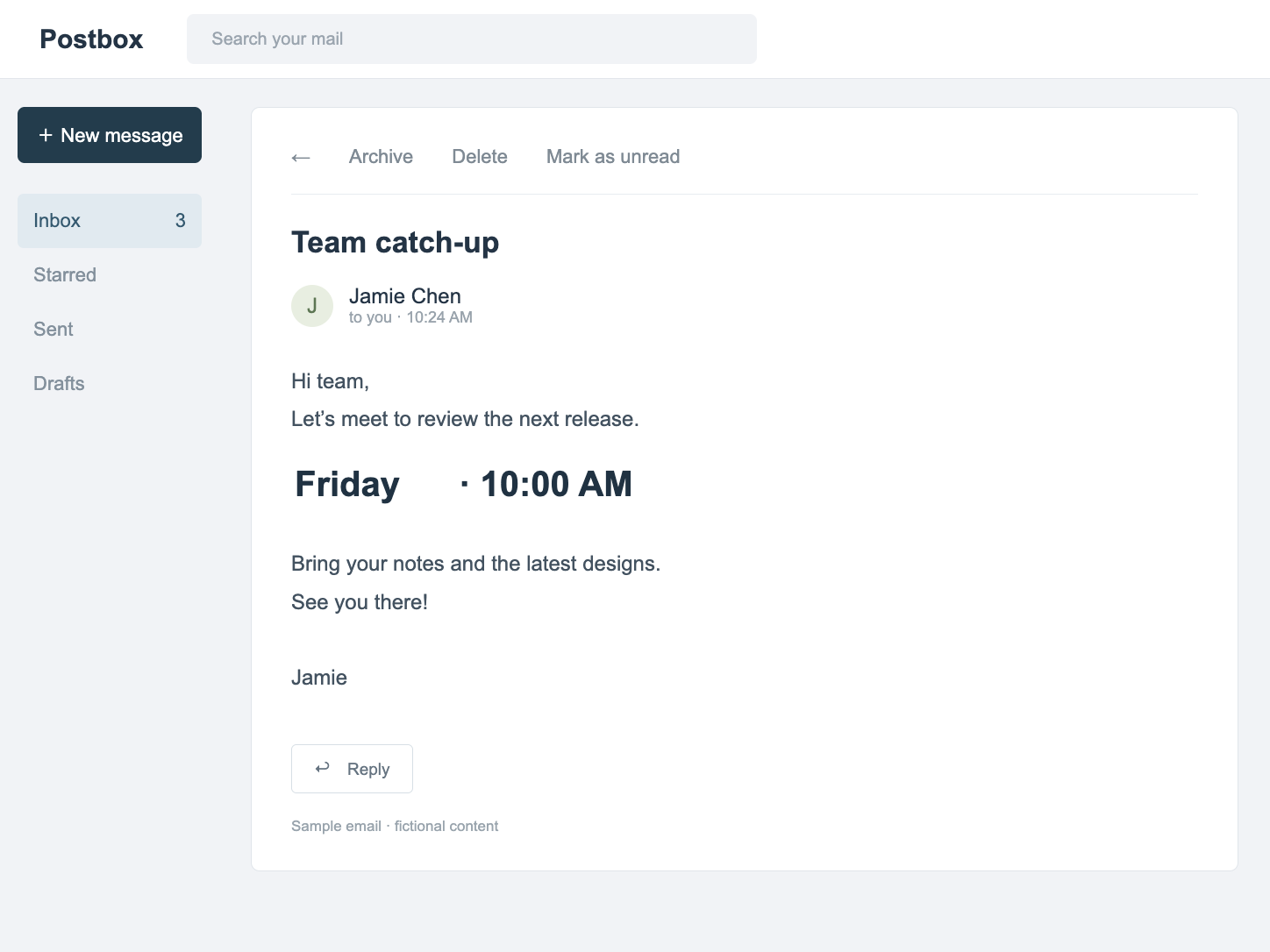
Screenshots & messages
Change dates, labels and wording in PNG, JPG or WebP screenshots. Detect text, edit one region at a time and preview before downloading.
Open editor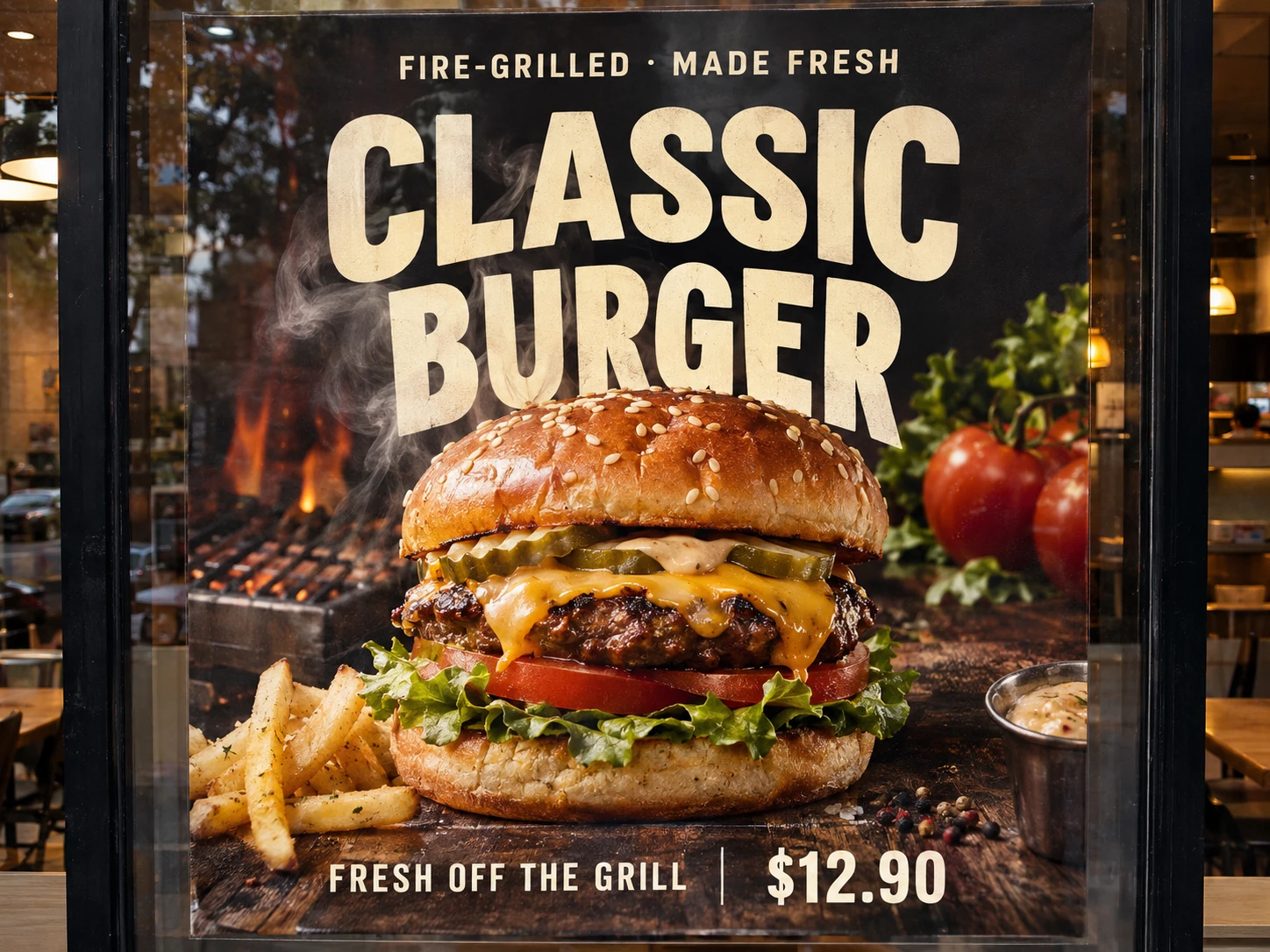
AI artwork text corrections
Correct a misspelled word or replace unwanted wording in AI artwork. Select the text region and use Pro redraw while preserving the rest of your composition.
Open editor