YOUR IMAGE. A BETTER MESSAGE.
Fix the text in AI-generated images
Correct a misspelled word or replace unwanted wording in AI artwork. Select the text region and use Pro redraw while preserving the rest of your composition.
Free editing & preview · Standard download 5 credits · Pro redraw + download 10 credits
Illustrative AI-generated source/edit pair, not a live result from this site. Use the editor below to test your own correction.
Start with your image.
Drop an image here to edit the words inside it.
JPG, PNG, WebP · up to 8 MBAI artwork text corrections
An AI image can have the right composition and the wrong words. Reletter lets you submit a selected context crop rather than regenerate your entire design. Tell Pro what is written and what it should say, then compare the returned region with the original.
For poster headlines, product labels and short text over texture. Clear, short wording and a well-bounded selection are easier to review.
- 01
Open the image in Pro
Upload your AI artwork or open the restaurant-poster sample. Previewing the image and preparing the edit do not submit a paid redraw.
- 02
Select and describe the correction
Draw around the faulty word with a little background. Enter the visible wording and its exact replacement; optionally describe the lettering style you want to retain.
- 03
Generate, review and download
Submit the 10-credit redraw when ready. Check spelling, texture and the crop boundary. Apply the result to continue editing, or download the complete composition.
Questions about this edit
What if the AI-generated letters are unreadable?
Draw a region manually. Enter your best transcription or a short description in the original-text field, and put the exact intended wording in replacement text. Recognition is not required to draw a Pro region.
Does Pro redraw the entire image?
The editor sends a context crop around your selection and composites the returned crop into your source image. The model can change details inside that crop, so check its edges as well as the letters.
Do I pay again to download the Pro result?
No. The 10-credit Pro redraw includes clean downloads of that result. A new Pro generation costs another 10 credits; new Standard changes may require a separate 5-credit result unlock.
What would you like to change?
Start with a task and try an editable example.
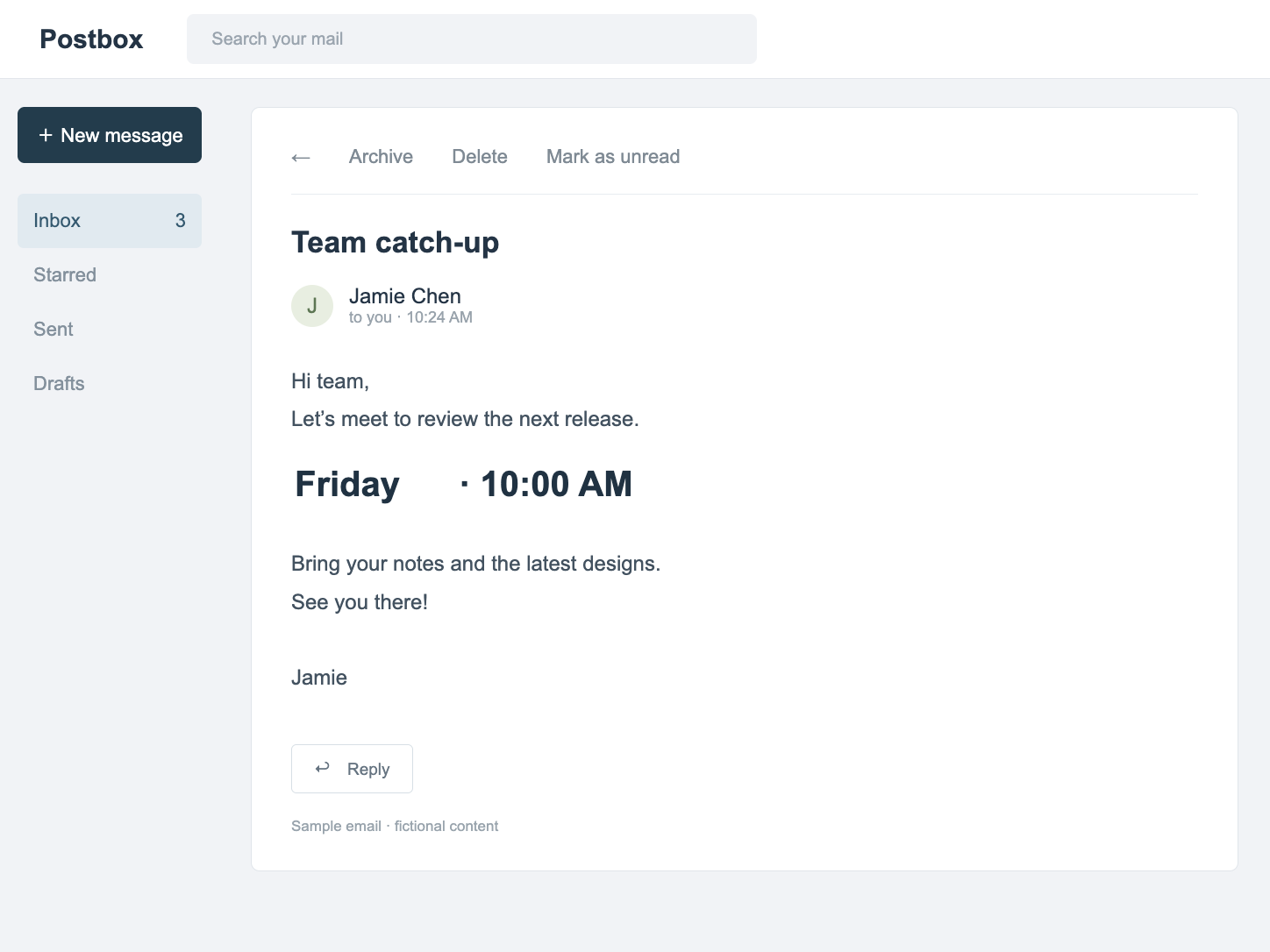
Screenshots & messages
Change dates, labels and wording in PNG, JPG or WebP screenshots. Detect text, edit one region at a time and preview before downloading.
Open editor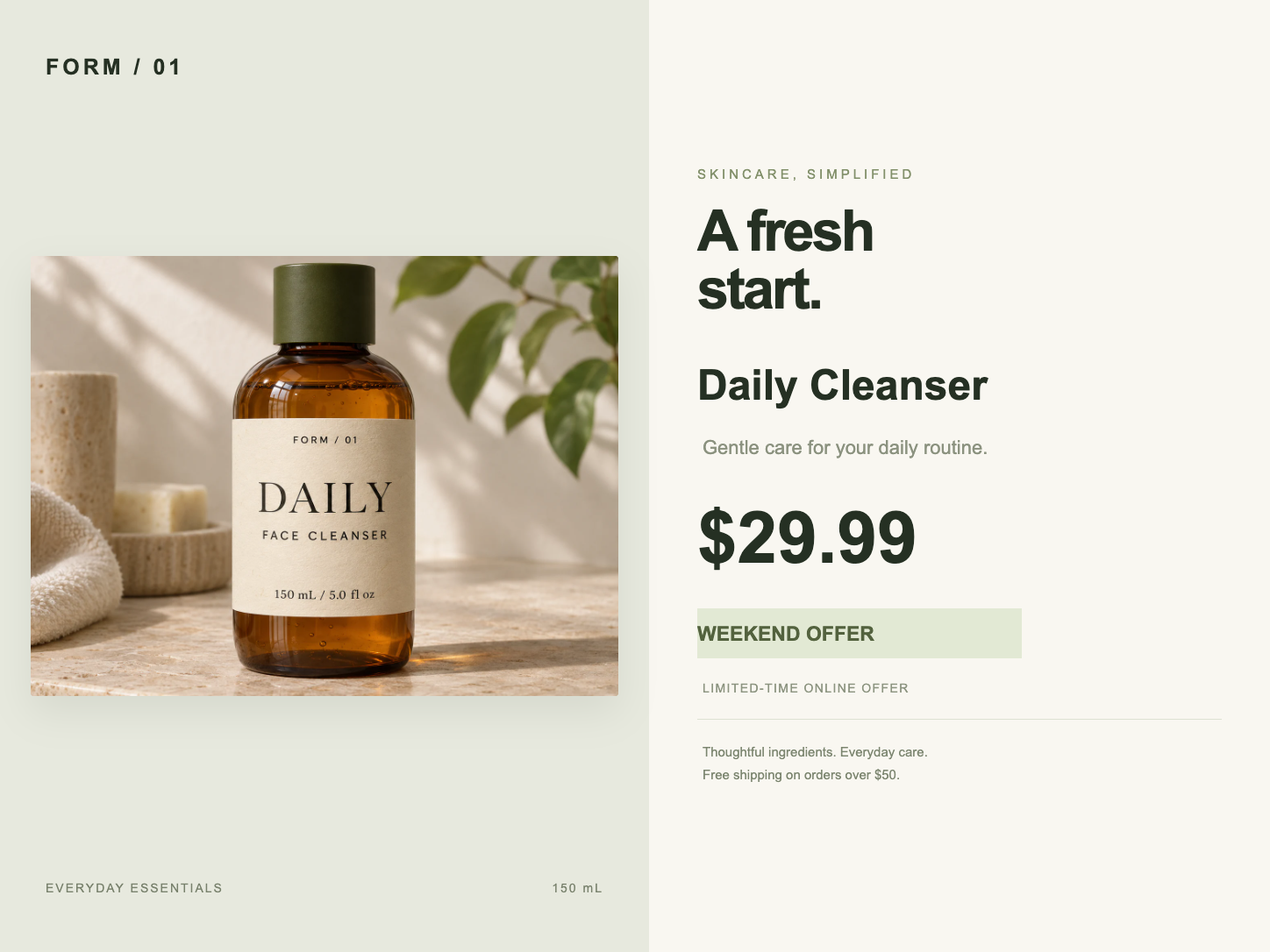
Product prices & promotions
Update prices, product names and offers in an existing product graphic. Edit a price region or use Pro for text printed on textured packaging.
Open editor