YOUR IMAGE. A BETTER MESSAGE.
Edit text in a screenshot
Change dates, labels and wording in PNG, JPG or WebP screenshots. Detect text, edit one region at a time and preview before downloading.
Free editing & preview · Standard download 5 credits · Pro redraw + download 10 credits
Original fictional email example; the After image is actual Standard editor output.
Start with your image.
Drop an image here to edit the words inside it.
JPG, PNG, WebP · up to 8 MBScreenshots & messages
A screenshot is a flat image, so its words cannot be selected like text in a document. Reletter detects the visible text and creates separate editable regions. Use it for your own interface mockups, presentation captures and corrected message examples.
Best for clear screenshots with flat backgrounds, including small labels, dates and table cells.
- 01
Open your screenshot
Upload a PNG, JPG or WebP up to 8 MB and 24 megapixels, or try the editable email screenshot below.
- 02
Choose one text region
Standard detects English and Chinese text in your browser. Click the words you want to change; draw a region if recognition misses them.
- 03
Replace, compare and export
Type the correction and adjust size, color or alignment. Compare with the original, then download a PNG at the original resolution.
Questions about this edit
Can I edit a screenshot without the original file?
Yes. Upload the screenshot itself. Reletter edits the image pixels and exports a new PNG; it does not require a design source file.
Can I change only one table cell?
Standard separates detected table cells and widely spaced text into regions. Select the intended cell, or draw a tighter region if automatic detection groups it incorrectly.
Is screenshot editing free?
Editing and watermarked previews are free. A signed-in Standard clean download costs 5 credits per result; downloading the same result again does not charge again.
What would you like to change?
Start with a task and try an editable example.
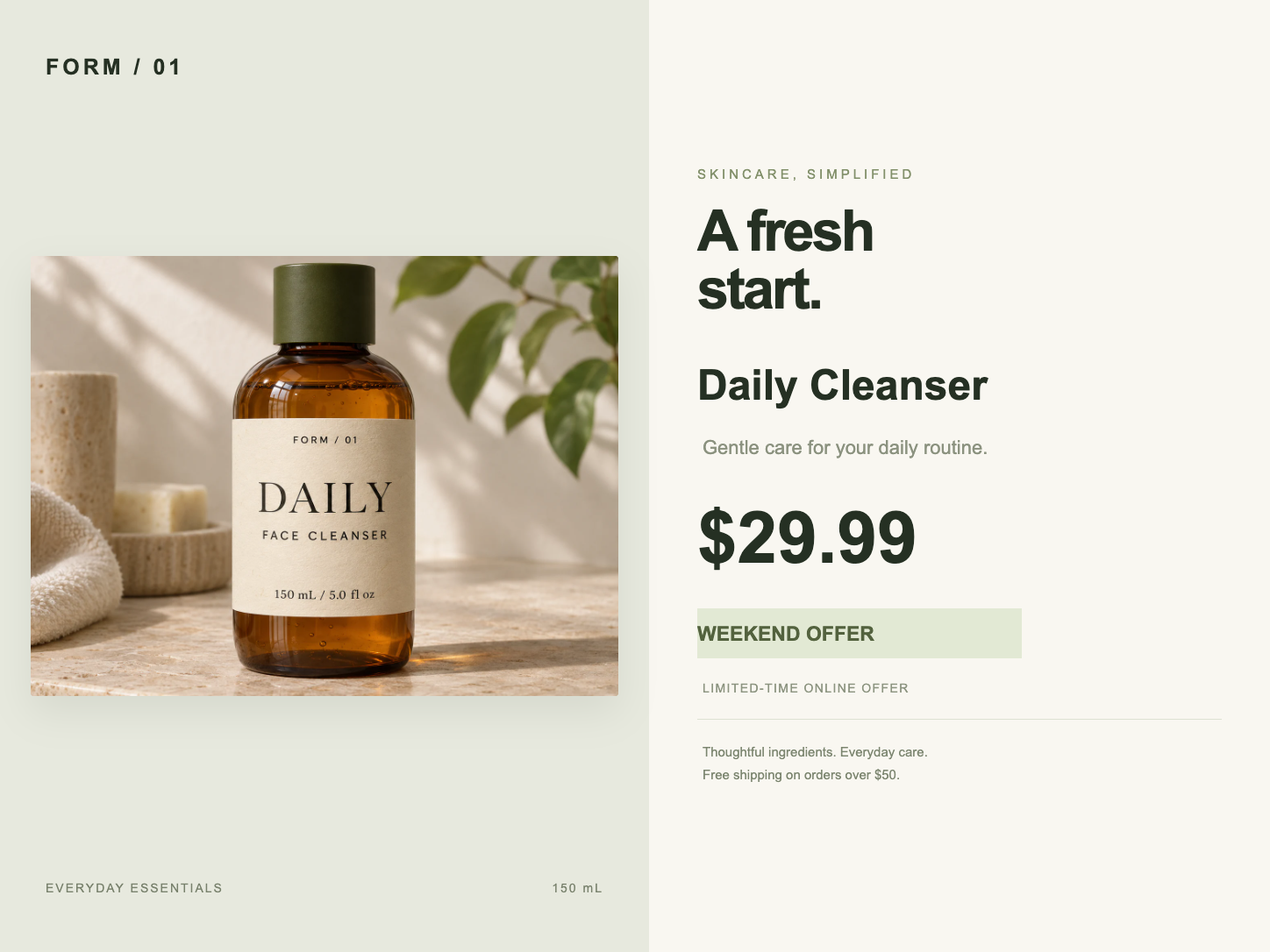
Product prices & promotions
Update prices, product names and offers in an existing product graphic. Edit a price region or use Pro for text printed on textured packaging.
Open editor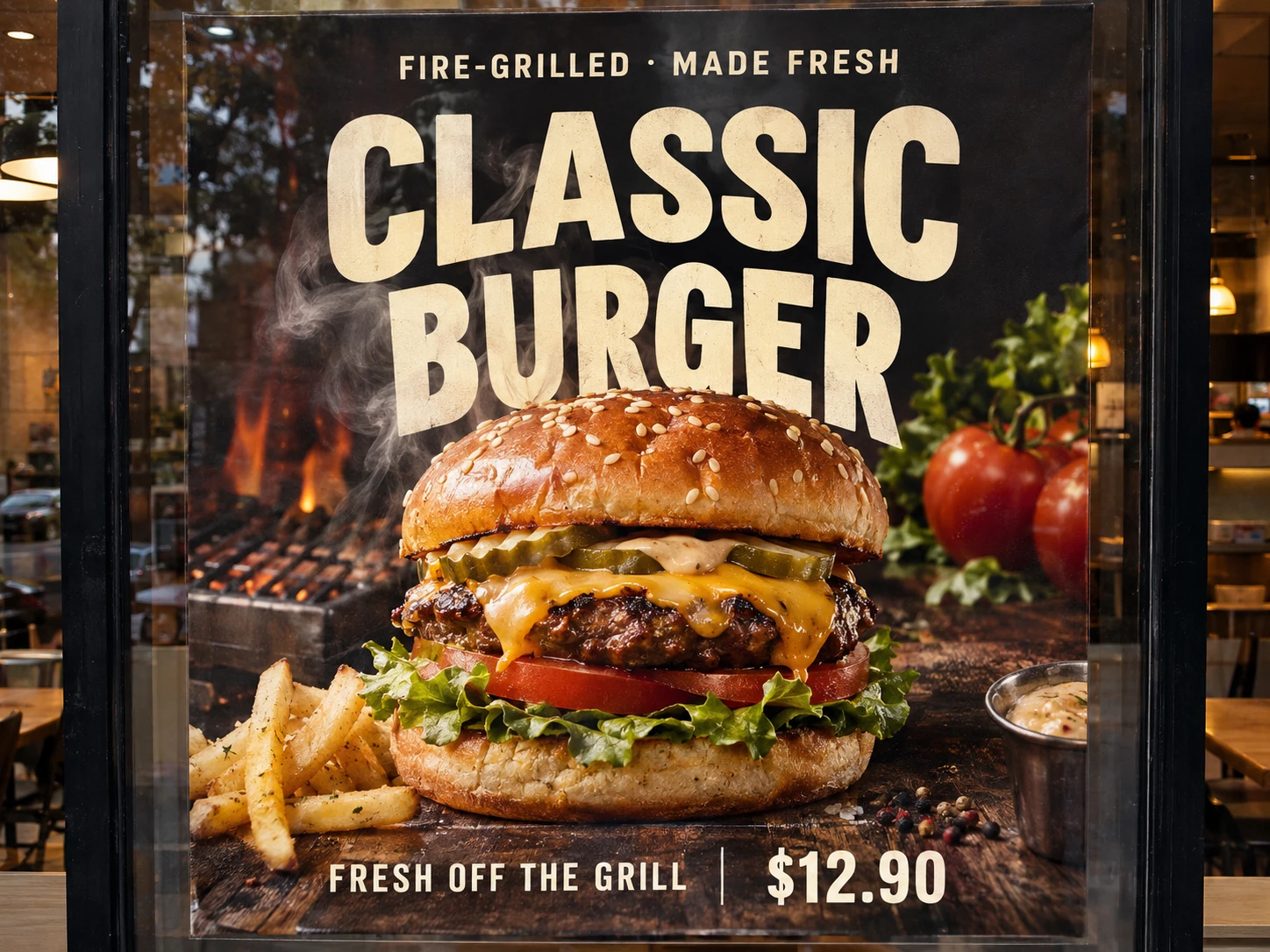
AI artwork text corrections
Correct a misspelled word or replace unwanted wording in AI artwork. Select the text region and use Pro redraw while preserving the rest of your composition.
Open editor